
Skip to content

Cookie settings

Choose which kinds of cookies you allow. You can change your choice at any time via Cookie settings at the bottom of every page. Privacy statement

Necessary

Always on

Needed to log in, keep your cart and remember your choices. These are always on.

Which cookies?
  • weboke_sessie, weboke_klant, weboke_remember: your session and staying logged in
  • weboke_basket: your cart
  • wkBtwIncl: showing prices with or without VAT
  • wok_cookies: your cookie choice, 12 months

Measures which ad leads to a visit or order, so we do not pay for ads that do nothing.

Which cookies?
  • Google Ads via Google Tag Manager (_gcl_au, _gcl_aw), up to 90 days
  • OpenAI Ads, ads in ChatGPT
  • wok_aff: which partner referred you to us (affiliate programme), 60 days

All servers have been updated and are protected against the recent PHP vulnerabilities. Still seeing an older version number, such as 8.3.35? That is correct: the security fix is included, only the version number was not changed by CloudLinux.
4.6

Country and language

Each country has its own site, with prices and VAT for that country.

View

Password and expiration date on a link

A public link is handy, but anyone who gets it can access it. With a password and an expiration date, you make the link more secure.

How to set it up

  1. Open the sharing sidebar of the file and click the three dots next to the link.
  2. Choose Customise link and click Advanced settings.
  3. Tick Set password (1) and type a password.
  4. Tick Set expiration date (2) and choose the date on which the link should stop working.
  5. Click Update share (3).
Password and expiration date on the link
A password and an expiration date on the link

The same block contains more useful options. With Share label, you give the link a name, for example "Link for the client", so you know later what it was for. Hide download removes the download button, and with Limit downloads you set how many times the file may be downloaded. Under Note to recipient, you add a short explanation that the recipient will see.

When someone opens the link, your WebOké Cloud first asks for the password. Only then does the document open.
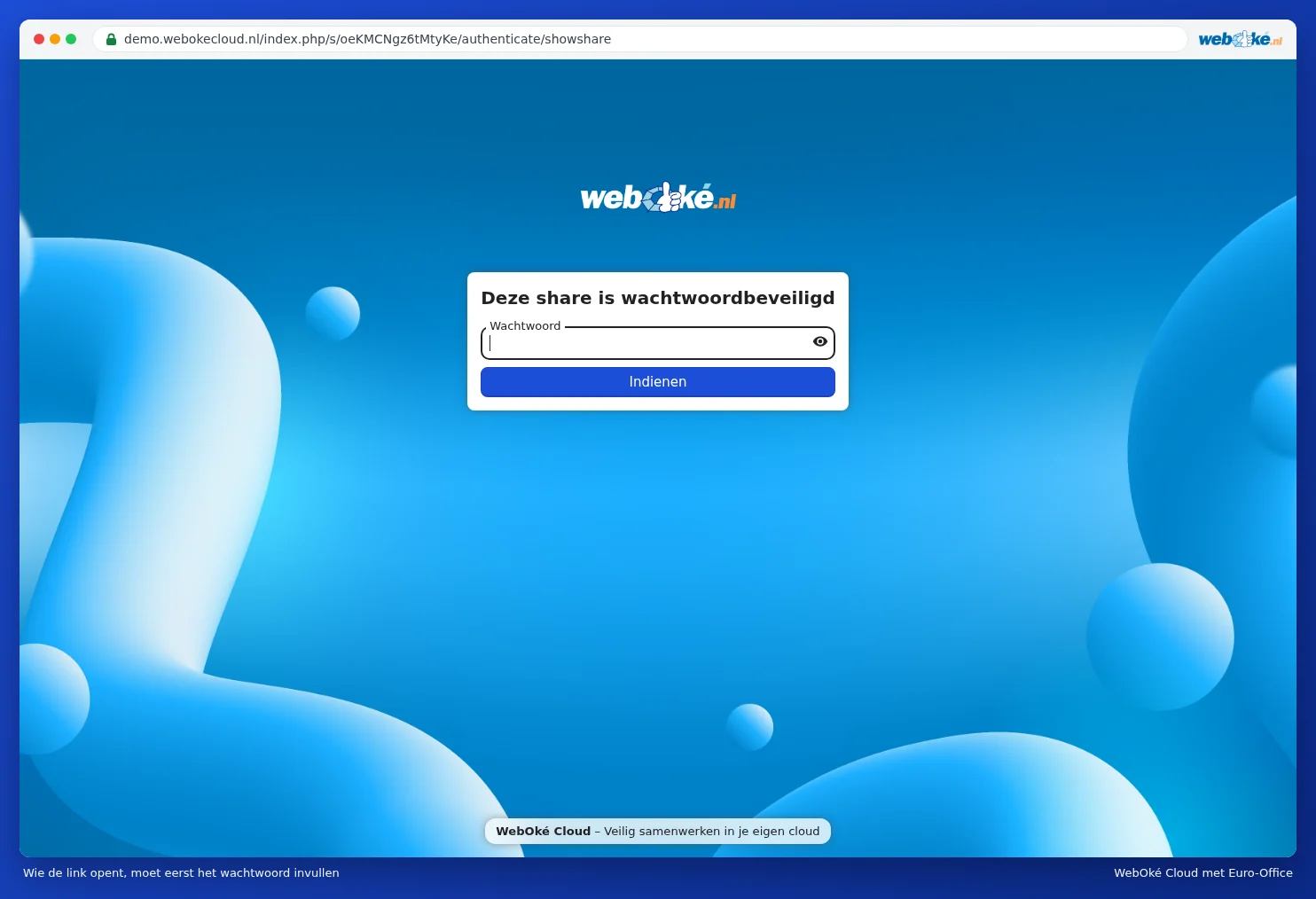
The page where the recipient enters the password
Anyone who opens the link enters the password first

Tip: don't send the password in the same message as the link. For example, email the link and send the password via text message or WhatsApp, or agree on it over the phone.

After the expiration date, the link stops working. So you don't need to remember to remove it yourself. If you want to stop it earlier, choose Unshare from the link's menu.

One moment…

Set up your domains

For each domain, arrange the nameservers, the link to your hosting and who becomes the owner.

Loading your domains…